Architecture, Engineering & Construction
Review the drawing, not a copy of it
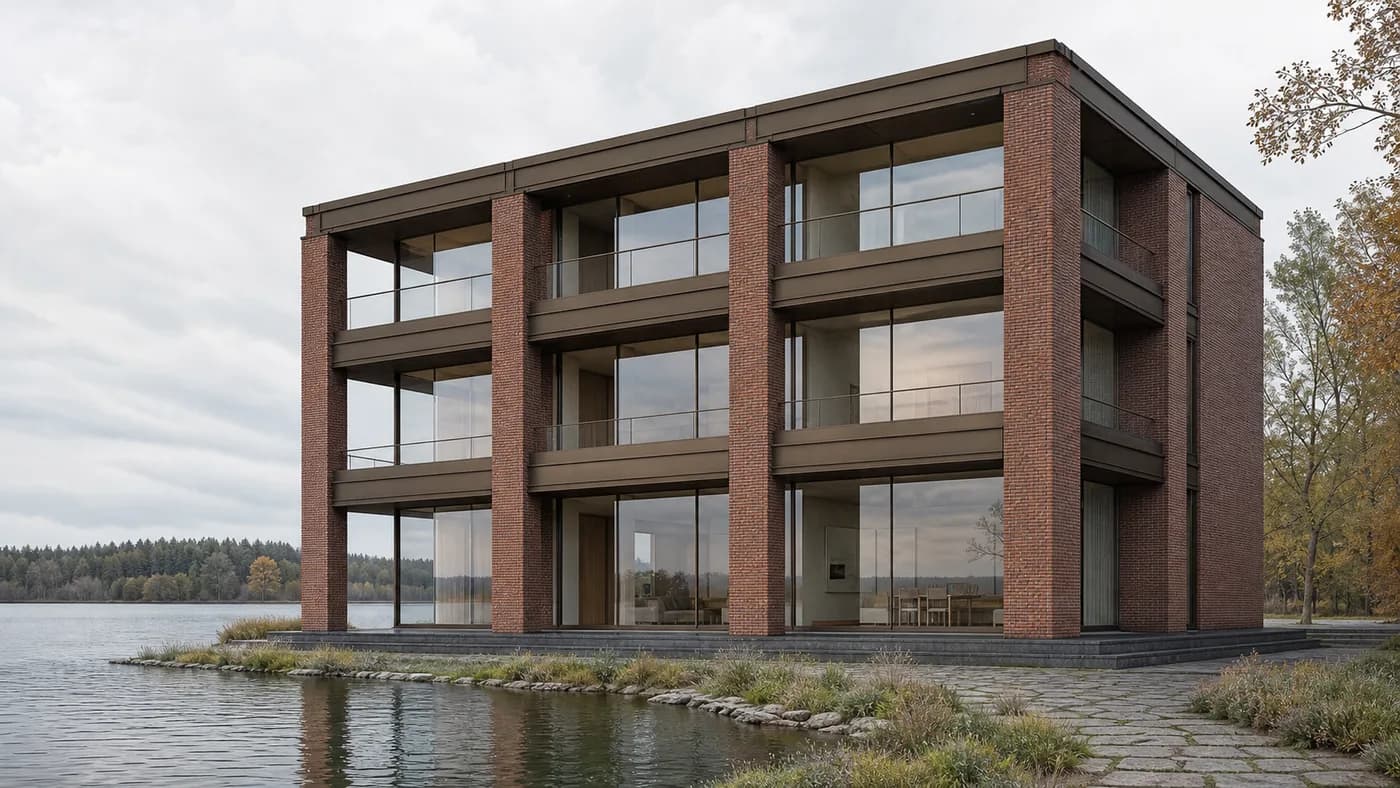
Present façade details, elevations, and renderings at full resolution in a Room that stays open between sessions. Consultants and clients see exactly what you see, and every markup stays on the sheet it belongs to.





 Side Panel

- Revit
- Rhino + Grasshopper
- Navisworks
- Bluebeam
- Enscape
The problem
A markup on a compressed drawing is a guess
The work is already distributed. The design team is in Copenhagen, the structural engineer is in Chicago, the client is standing on the site. That part is solved.
So teams work around it. Export a PDF, upload it, wait, send a link, gather comments in a thread, then reconcile them against a sheet number the next morning. Every screen share thickens the linework and turns the material sample to mud. The decision still gets made. It just gets made on less.


Rooms
One room that holds the project from concept to handover
Projects run for years. A Room gives every phase a permanent address where drawings, markups, recordings, and decisions stay attached to the project instead of scattering across email threads and file transfers.
- Present the model, not a screenshot
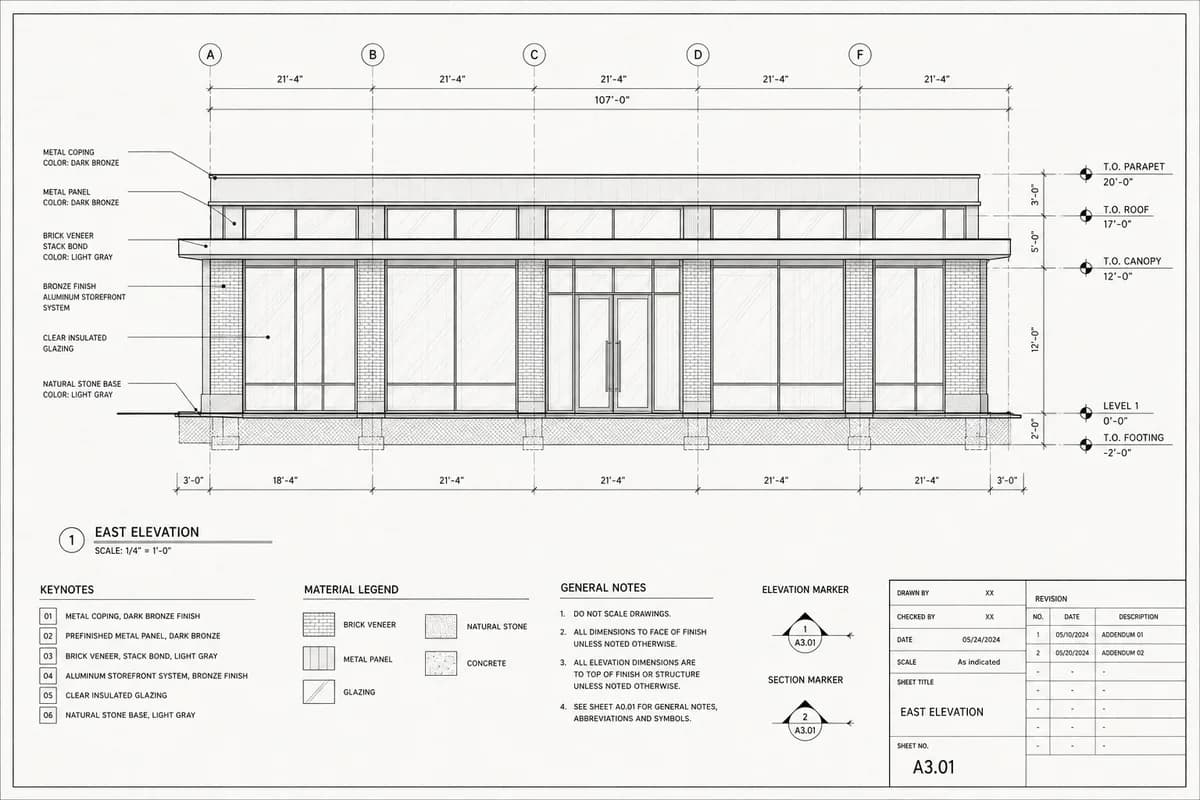
- Share Revit, Rhino, Navisworks, or a live rendering straight from your screen at native resolution. No export, no PDF flattening, no waiting on a file transfer.
- Linework that stays legible
- 4K at 60fps with sub-second latency. The client reads the dimension string and the hatch pattern the same way you do, at the same moment.
- Markups that stay on the sheet
- Annotations live on the drawing and the sheet number they refer to, so a comment from six weeks ago still points at the detail it was about.
- Nothing expires when the call does
- Drawings, revisions, and discussion stay in the Room between sessions. The next review opens where the last one closed.
4K / 60fps
Native resolution, no re-encode

16 Drawings
or site feeds at once
Any application
Presented at native resolution
Coordination
When the notes come from outside the studio
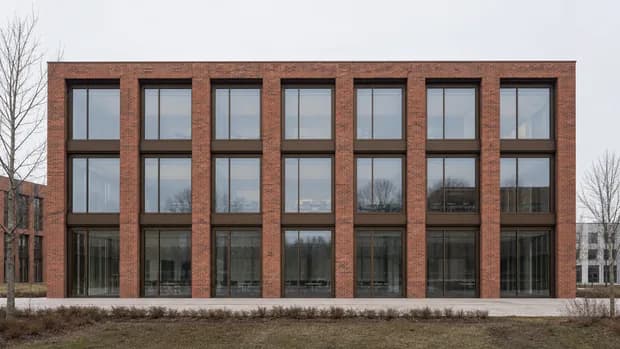
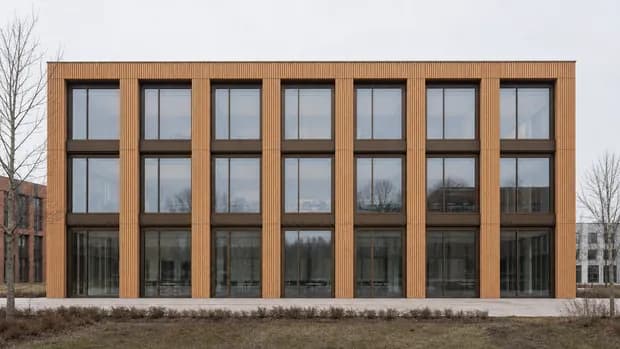
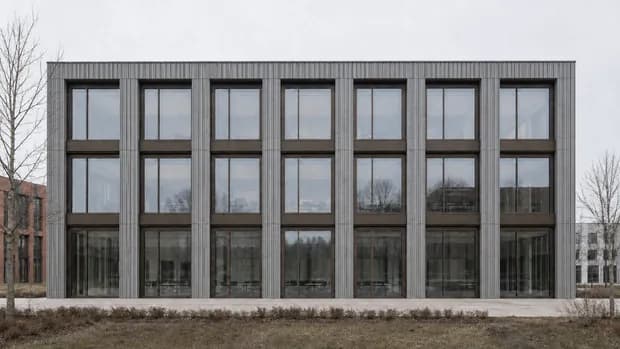
Clients, consultants, and contractors join the same Room as the design team. Same resolution, same sheet, nothing downloaded and nothing left behind when they leave.
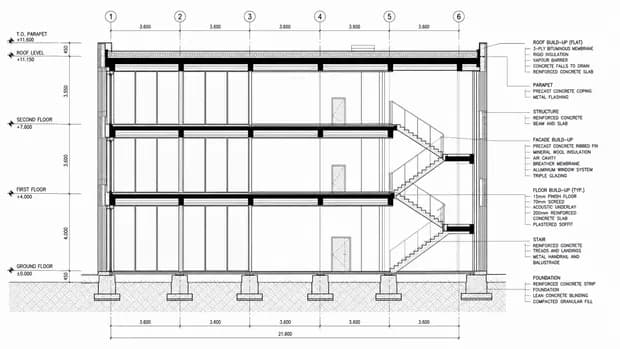
- Client reviews that end in a decision
- The client joins while the set is still open rather than waiting on a PDF. Approvals land on the sheet inside the Room, so there is nothing to reconstruct when the question comes back six weeks later.
- Consultant coordination in one room
- Bring structural, MEP, and civil into the same session. Compare their drawings against yours on screen and clear the conflict before it becomes an RFI.
- Sixteen options, side by side
- Plan, elevation, section, and render on screen together, each at native resolution. The material selection gets decided in the session instead of the next one.
16 Options
side by side, natively

No installs
consultants join in the browser
One record
instead of a trail of PDFs
Where it fits
The moments where a drawing has to be exactly right

Client design reviews
Present schematic, DD, and CD sets at the resolution you drew them. The client reads the detail rather than guessing at it, and approvals come back faster.

Consultant coordination
Structural, MEP, and civil in one shared session. Compare drawings across disciplines at once and clear conflicts before they turn into RFIs.
Remote site coordination
Stream live video from site alongside the current construction documents. Check progress against design intent without losing resolution or context.

Internal team critiques
Distributed design teams mark up work together in real time, and every critique leaves a documented record of what was decided.
In the news
Already in the studio



Trust
Unbuilt work stays unpublished
Every file encrypted, every request authenticated, every layer monitored. Deployment that matches your client's confidentiality terms and your own.

On-premise
Run inside the firm’s own network when a client’s confidentiality terms or a public bid do not allow anything to leave it.

Hybrid
Controlled infrastructure with cloud reach for project teams spread across offices, consultants, and site.

Cloud
Fully managed browser access when a project needs to be up today, not after a deployment.